Best Streaming Devices for Seniors: Top Recommendations From Experienced Cord-Cutters
Disclosure: This article may include affiliate links or product/service recommendations. If you choose to buy or sign up through a link, we may earn a commission at no extra cost to you. Recommendations are included for general educational purposes only, and you should compare options before making any purchase or financial decision.
Why This Decision Matters More Than You Think
Cutting the cable cord can save a household anywhere from $80 to $200 a month. On a fixed income, that is real money — the kind that covers a utility bill, a prescription refill, or a nice dinner out. So when someone in online communities for people dealing with this posted asking for the best streaming device for elderly parents, thousands of people had opinions. And honestly, the conversation was more useful than most tech reviews you’ll find on mainstream websites, because real people were sharing what actually worked for someone who didn’t grow up with smartphones. Here’s the thing, though: most streaming device guides are written for people who already know the difference between a 4K HDR signal and a standard 1080p picture. They assume you’re already fluent in tech. This guide doesn’t. Whether you’re shopping for yourself or helping a parent or spouse make the switch, this article will walk you through what to look for, what to avoid, and how to make the smartest choice for your budget and your lifestyle.
What Makes a Streaming Device “Senior-Friendly”?
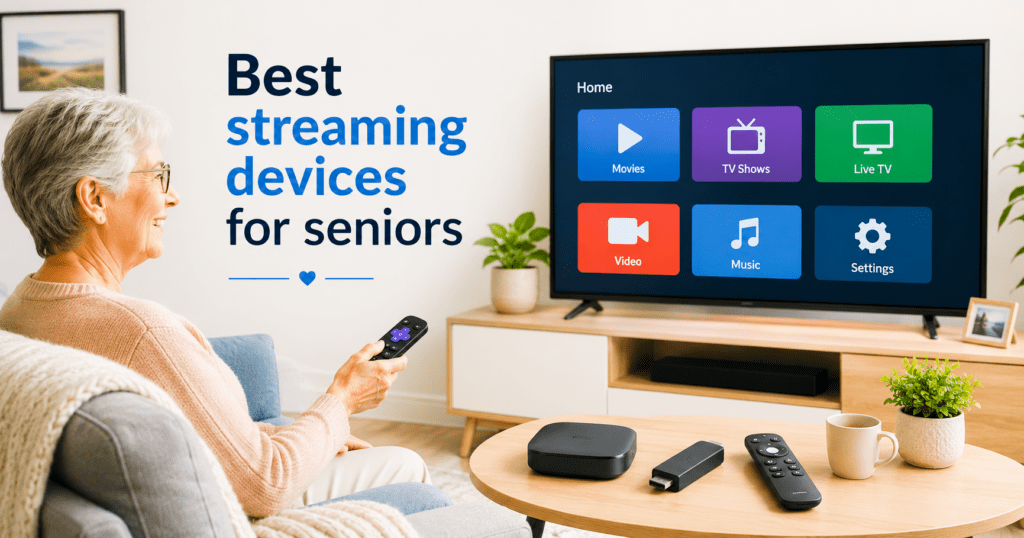
Not every streaming device is created equal, and price is honestly one of the smaller factors when you’re choosing for ease of use. The online cord-cutting community points to three things that matter most for older users: a simple remote, a clean on-screen menu, and reliable customer support. The remote control is where many devices succeed or fail immediately. Some remotes have forty tiny buttons — a guaranteed source of frustration. The best options for seniors tend to have fewer buttons, larger text labels, and a dedicated button to quickly return to the home screen. Roku devices are mentioned constantly in senior-focused threads, and for good reason. Their remotes are clean, the menus use large text, and there’s even a feature that makes the remote play a sound when you can’t find it. That one detail alone has made Roku a favorite among caregivers and family members helping an older relative get set up. Amazon Fire TV Stick is another option that comes up regularly. It uses voice commands through Alexa, which can be a genuine help for someone with arthritis or low vision — just say what you want to watch instead of typing it out. Apple TV offers an excellent picture and tight integration with iPhones and iPads, but the touchpad remote has a learning curve that some users find more confusing than helpful. The bottom line is this: simple beats fancy, every time.
Streaming Services Worth Knowing About — and What They Cost
Once you have your device, you’ll need to choose which streaming services to subscribe to. This is where people often overspend without meaning to. The good news is you don’t need all of them — and you definitely shouldn’t sign up for several at once until you know which ones you’ll actually use. The free options are worth starting with. Pluto TV, Tubi, and the free tier of Peacock all offer a solid selection of movies and older TV shows at no cost, supported by ads. Think of them like regular broadcast television — free to watch, with commercials. For news, many local channels now have their own free apps you can access through a streaming device without paying anything extra. If you want more choices, paid services like Netflix, Amazon Prime Video, and Hulu each run roughly $8 to $18 per month depending on the plan, as of mid-2026. Prices do change, so always check the official website for current rates before subscribing. Most offer a free trial period, which gives you a low-risk way to test the content before committing. And here’s what most guides won’t tell you: you can subscribe, watch everything you want for a month, cancel, and then subscribe again later. There’s no penalty for that, and it’s a perfectly legitimate way to manage costs on a tight budget.
Staying Safe While You Stream — Scams and Security Tips
This is the part of the conversation most streaming guides skip entirely, and that’s a real problem. Older adults are disproportionately targeted by online scams, and the streaming world is no exception. Fake websites pretending to be Netflix or Amazon will ask for your login or credit card number. Pop-up messages will claim your account has been hacked and instruct you to call a phone number — don’t do it. These are phishing attacks, meaning criminals are fishing for your personal information by pretending to be someone trustworthy. The Cybersecurity and Infrastructure Security Agency (CISA) recommends a few habits that go a long way: use a different, strong password for every streaming account, and turn on two-factor authentication (also called 2FA) wherever it’s offered. Two-factor authentication means that even if someone gets your password, they still can’t log in without a second code sent to your phone. CISA’s free resource at cisa.gov/secure-our-world walks through these steps in plain English and is well worth bookmarking. Also, be cautious about deals that seem too good to be true. The FTC warns that scammers sometimes pose as tech support agents or streaming company representatives, especially targeting seniors. If someone calls you unsolicited claiming your streaming account has a problem, hang up and call the company directly using the number on their official website. The Consumer Financial Protection Bureau’s Money Smart for Older Adults program, available at consumerfinance.gov, has excellent free resources on spotting financial exploitation, including digital scams. Protecting your accounts is just as important as picking the right device.
Your Action Steps
- Try a Roku or Amazon Fire TV Stick first — both are under $50, widely available, and consistently recommended for ease of use.
- Start with free streaming services like Tubi or Pluto TV before paying for any subscription.
- Create a unique, strong password for each streaming account and write it down somewhere safe at home.
- Turn on two-factor authentication (2FA) on any streaming service that offers it — check Settings or Account Security in each app.
- Visit cisa.gov/secure-our-world for free, plain-language guidance on keeping your accounts safe from scams.
- Check consumerfinance.gov and the Money Smart for Older Adults program if you ever feel pressured or confused by a billing or tech support situation.
Switching away from cable is one of the smartest financial moves many retirees have made in the past few years — and it doesn’t have to be complicated or stressful. The right device for you is the one that feels natural to use from day one, not the one with the most features. Take your time, start with something simple, and don’t feel pressured to sign up for multiple services all at once. Visit the official websites of any streaming service or device manufacturer to compare current prices and features before you buy. If you ever feel uncertain about a charge on your account or a message you’ve received, reach out to a trusted family member or contact the company directly through its official website.
Important Disclaimer
Employment, technology, and scam-safety disclaimer: This article is for general educational purposes only and does not guarantee employment, interviews, income, platform approval, or technology results. Job listings, software pricing, device compatibility, and platform rules can change. Research each opportunity carefully, avoid paying suspicious upfront fees, and verify companies before sharing personal or financial information.
Copyright © 2026 Simple Income After 55. All rights reserved.